
Kunnskapsbase
How to rename FTP account username in Plesk? Print
1. Log in to your Plesk account.
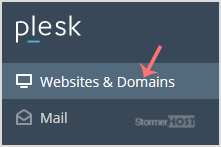
2. In the Sidebar Menu, click Websites & Domains.
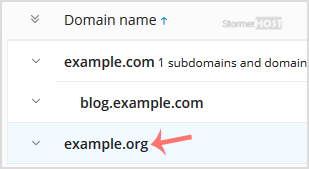
3. Below Domain Name, click on the appropriate domain name.
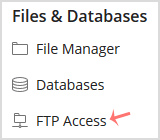
4. Under Files & Databases, click on the FTP Access.
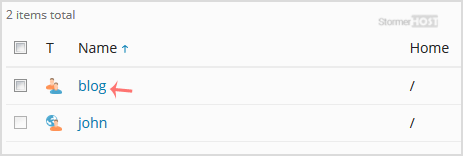
5. Click on the appropriate FTP account.
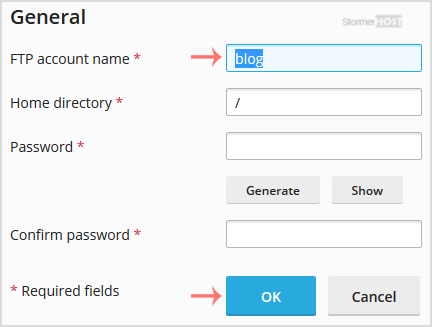
6. In the FTP Account name field, enter your new FTP name and then confirm with OK.
Var dette svaret til hjelp?
Relaterte artikler
How to create an FTP Account in Plesk?
1. Log in to your Plesk account. 2. In the Sidebar Menu, click Websites & Domains....
1. Log in to your Plesk account. 2. In the Sidebar Menu, click Websites & Domains....
How to change the password of the FTP account in Plesk?
1. Log in to your Plesk account. 2. In the Sidebar Menu, click Websites & Domains....
1. Log in to your Plesk account. 2. In the Sidebar Menu, click Websites & Domains....
How to Remove an FTP user account in Plesk?
If you have created too many FTP User accounts and some of these have not been used, and you...
If you have created too many FTP User accounts and some of these have not been used, and you...
