
Base de Conhecimento
How to Install cPanel Imprimir este Artigo
cPanel is the #1 Hosting Control Panel in the web hosting industry. You can easily install it.
What are the requirements?
- Fresh Ubuntu or AlmaLinux OS installed on your VPS/Server.
How to install cPanel?
1. Log in to your VPS/Server via the SSH Client.
2. Copy the following command and paste it into the SSH console. Then press Enter.
cd /home && curl -o latest -L https://securedownloads.cpanel.net/latest && sh latest
3. The cPanel installation has begun. It can take from 5 to 10 minutes.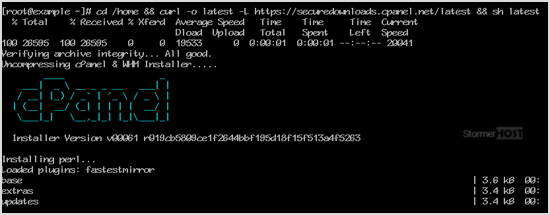
4. Once the installation is complete, the console will display a message that the cPanel Installation has been completed.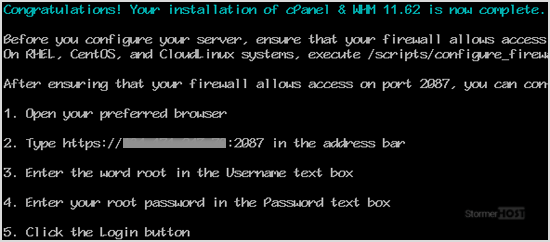
5. Open https://your-server-IP-here:2087 (WHM).
6. Enter the root username and password.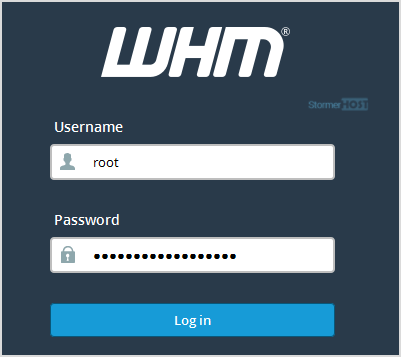
7. Click on Login.
cPanel/WHM Setup Wizard:
Step 1: Read and accept the agreement. Click on Continue.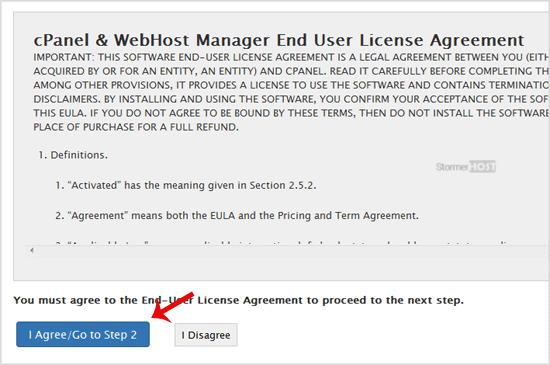
Step 2: If the cPanel license is not active, it may ask you to log in to the cPanel store to activate the trial license.
Step 3: Setting up Email and Nameservers:
- Email Address: Enter your email address. You will receive a cPanel-related alert in your email.
- Nameservers: Enter your domain nameservers such as ns1.example.com and ns2.example.com. Please, replace example.com with your domain name.
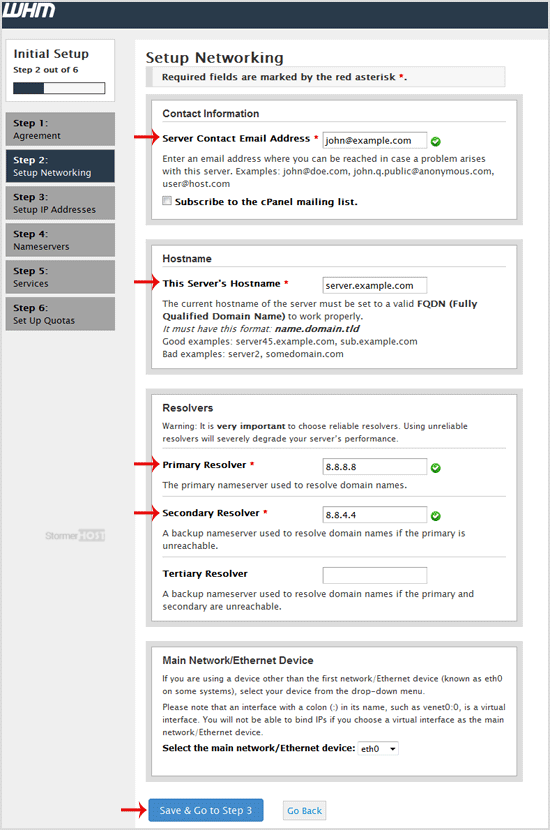
Finally, click Finish.
Congratulations, the cPanel installation is complete. All you need to do now is to compile Easy Apache, change settings, install the firewall, etc.
Esta resposta foi útil?
Artigos Relacionados
Plesk is a popular website control panel. It makes managing your website easy. Although it is...
DirectAdmin(DA) is a Commercial Hosting Control Panel used to sell shared and reseller hosting...
Webmin is a free hosting control panel with easy installation. It takes only 5 to 10 minutes, and...
SolusVM is a popular control panel for managing VPS hosting. In SolusVM 1, the master/management...
SolusVM is a popular VPS hosting control panel. SolusVM 1 Slave should be installed on a...
